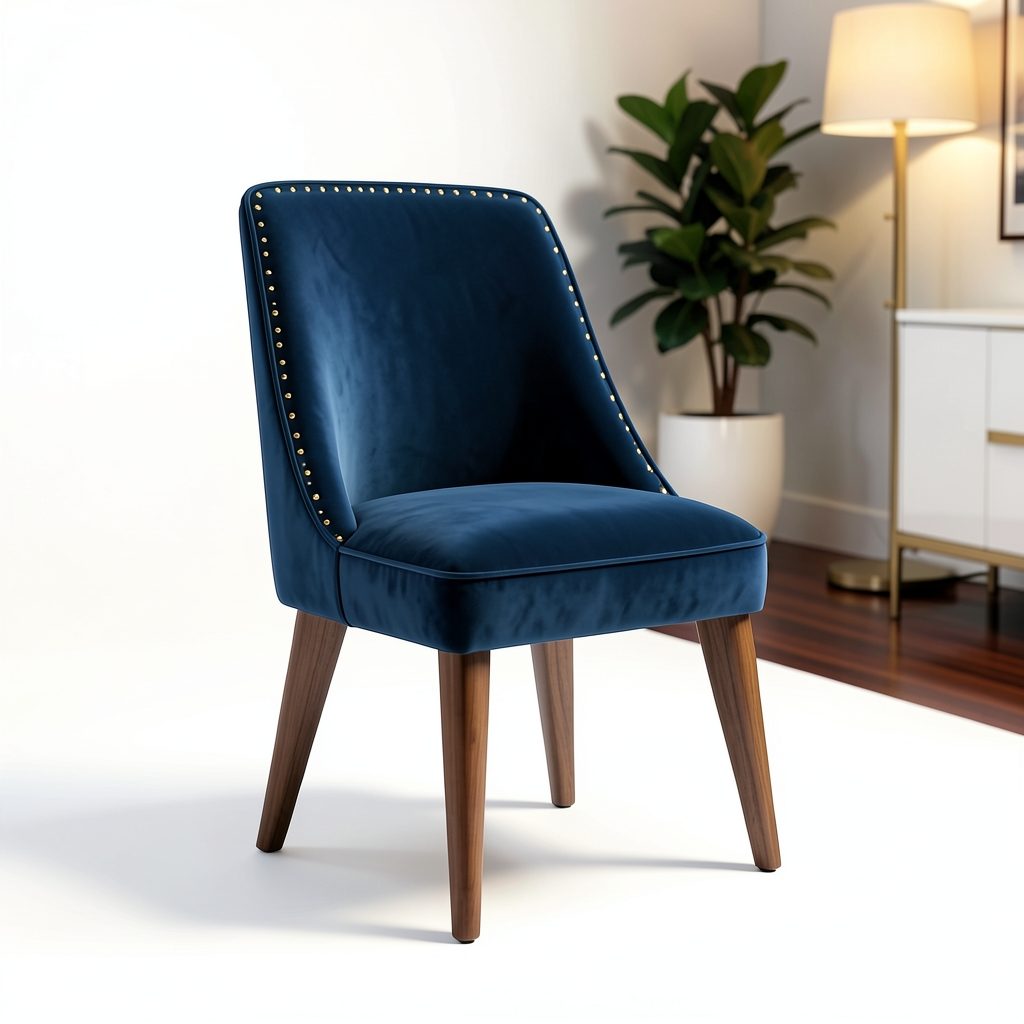
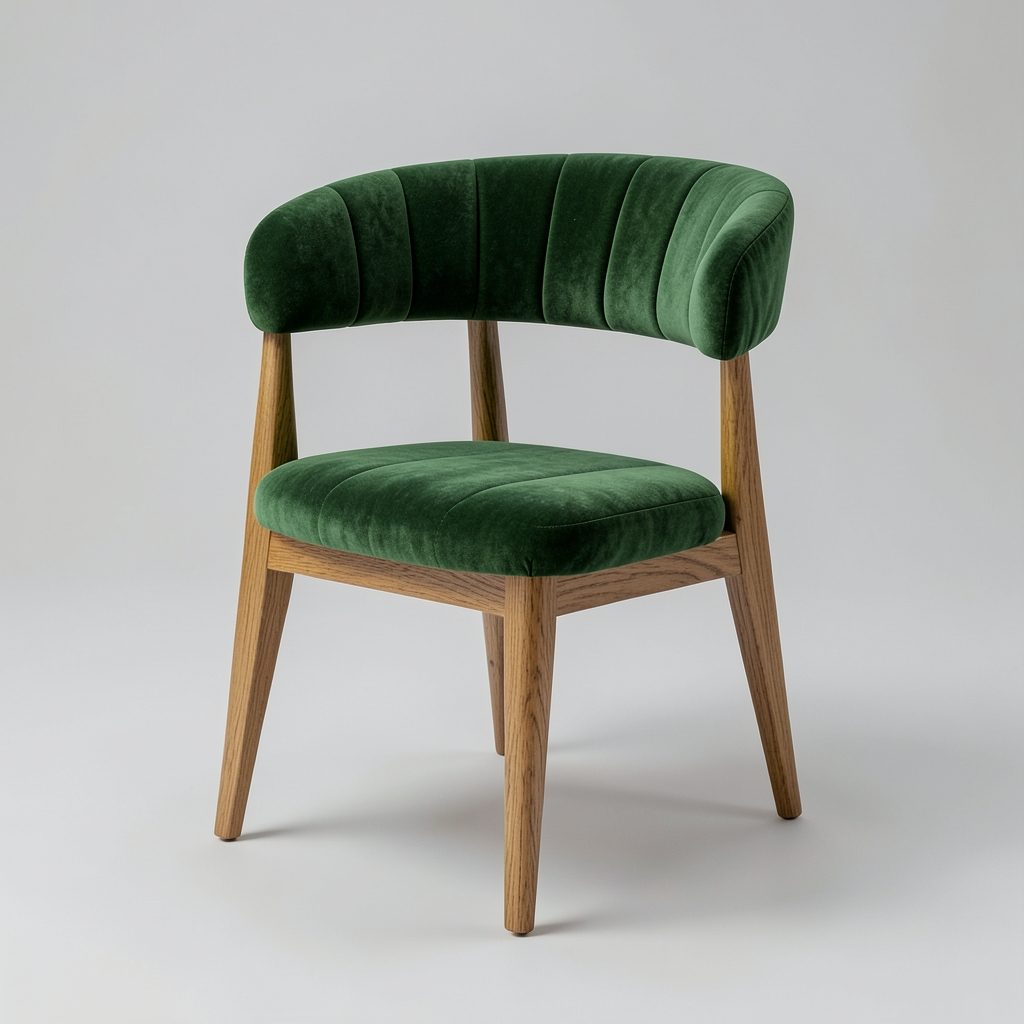
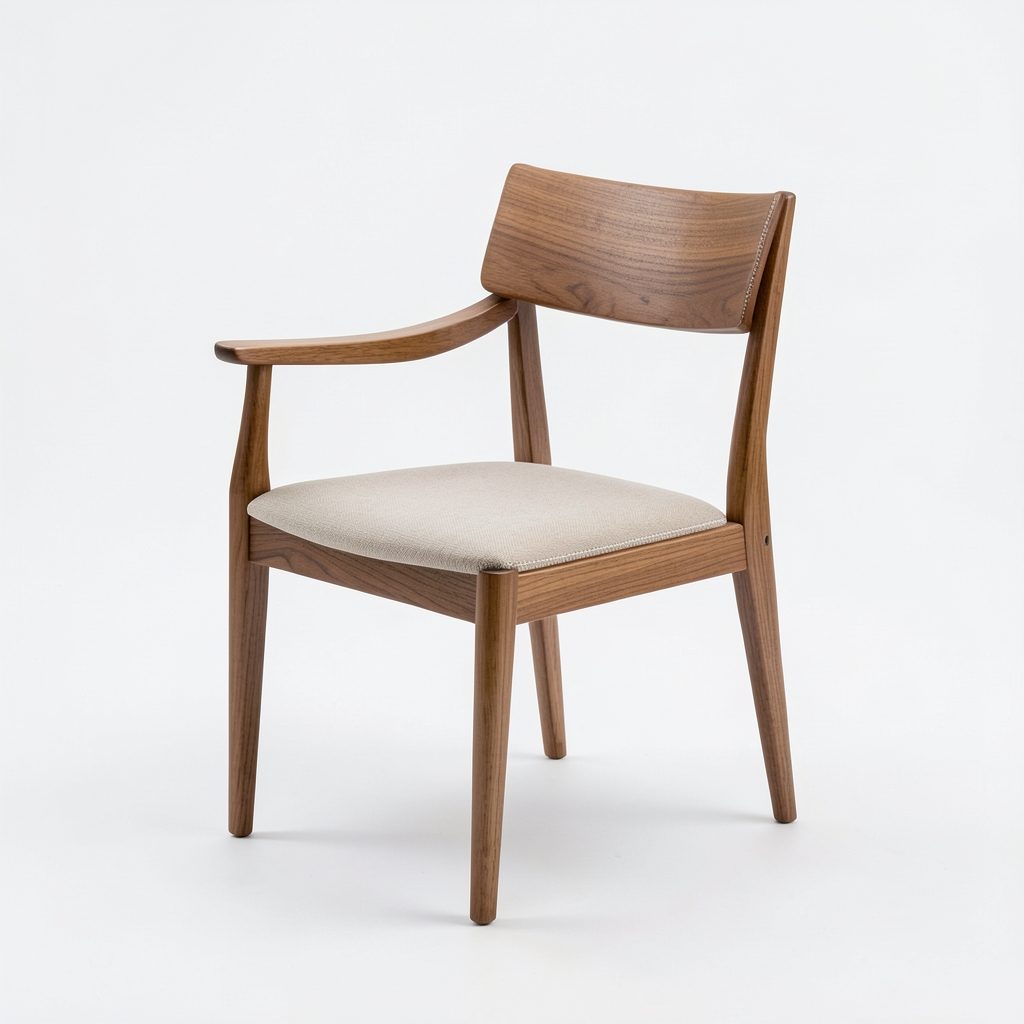
Design options, precise edits, renders that match across views, PBR materials and 3D models for interior, architecture and product design. Right in your browser or inside the 3D software you already use.
Nothing to install, no powerful graphics card. Sign in with Google, Microsoft or Facebook and get trial credits.

Three workspaces with tools for each trade.


From the first idea to the image you send your client and the materials for your renderer.
Describe it, add references or a sketch: FAS writes the prompt and gives several options.
Box or paint the area to change and say what you want. The rest of the image stays pixel-exact.
Render a 3D view or an uploaded image. The AI sees when only the view or only the materials change and keeps your images consistent.
Sharpen a render to about 2000 px without changing shapes, materials or layout.
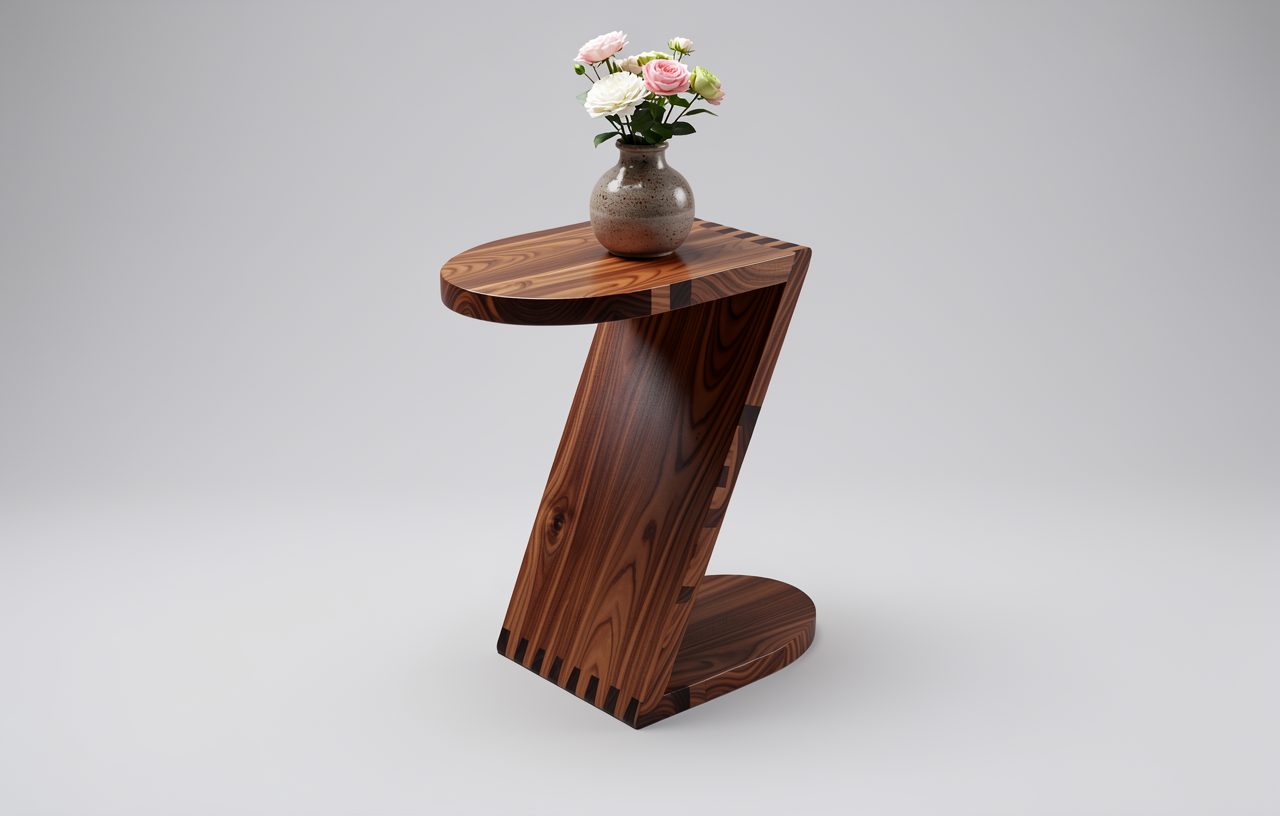
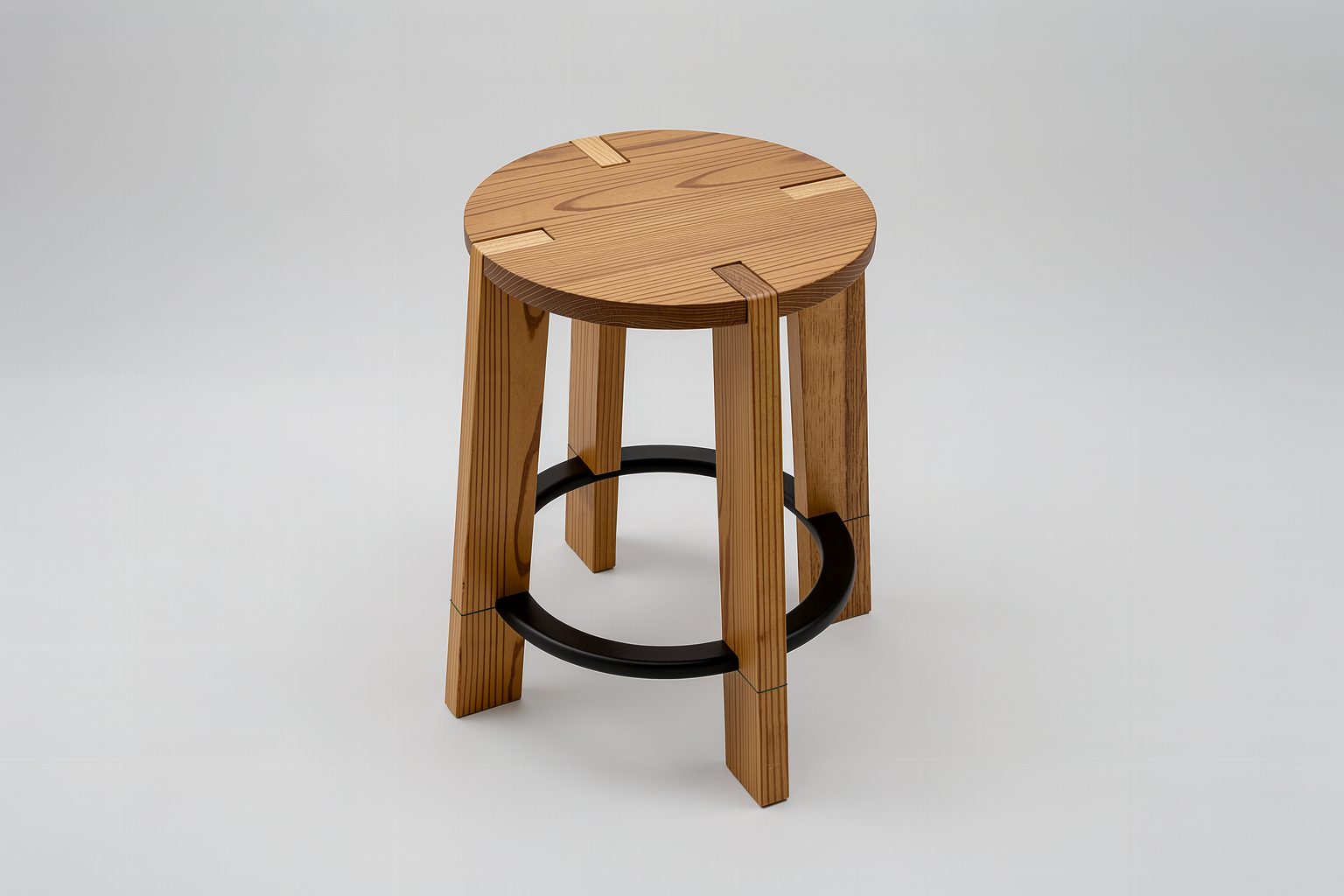
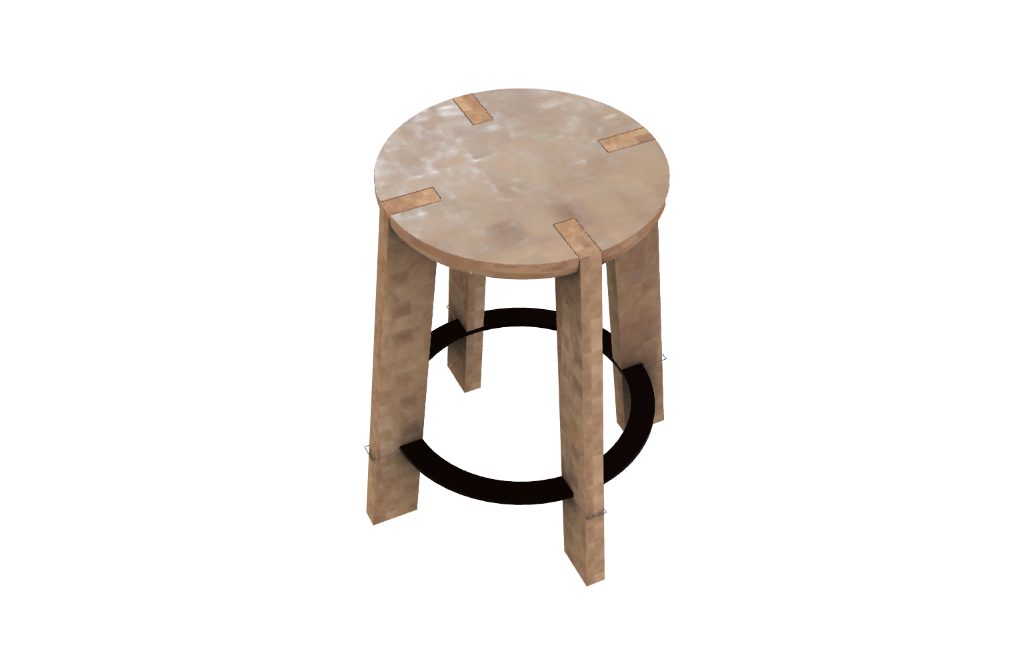
One photo becomes a textured 3D model at the size you enter (mm or inch), placed straight into your scene.
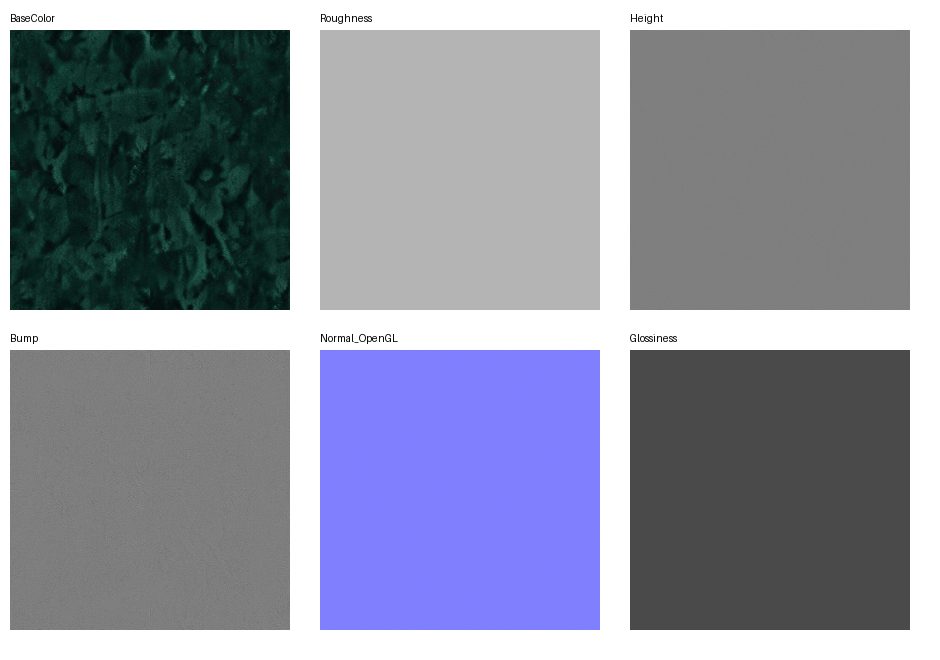
From one photo of fabric, wood, leather or stone: a seamless PBR map set plus a V-Ray file, applied to your objects.
Right inside your 3D software: wood grain in the right direction per part and render-time soft edges for whole assemblies. In the Rhino 8 plug-in today; needs V-Ray.
The AI runs on FASONE servers, so office PCs work too. Pay per run with credits and see your balance anytime.
Capture the view with its materials; the AI keeps shape, proportions and details and only adds real light, finishes and setting. Drag the slider to compare.

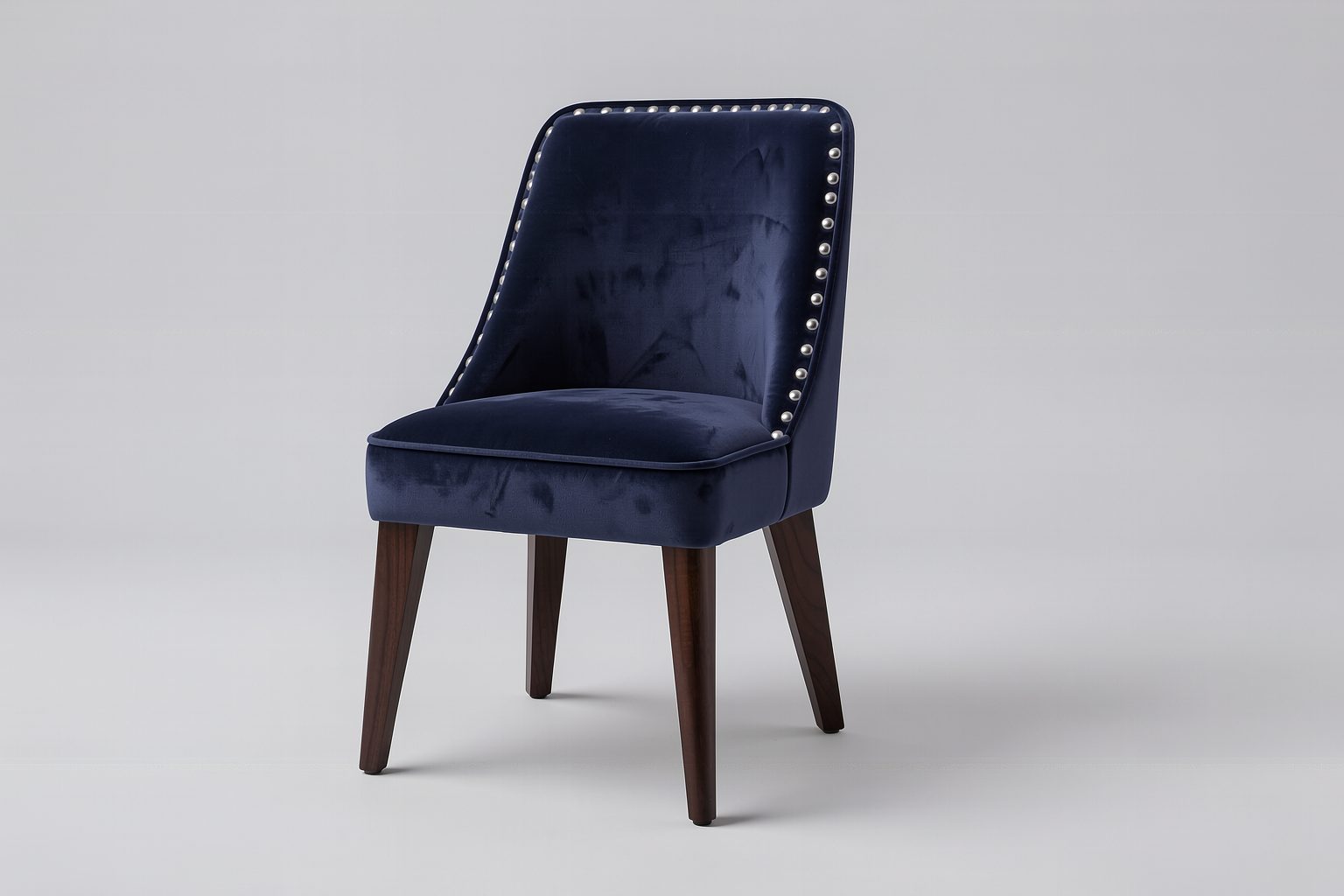
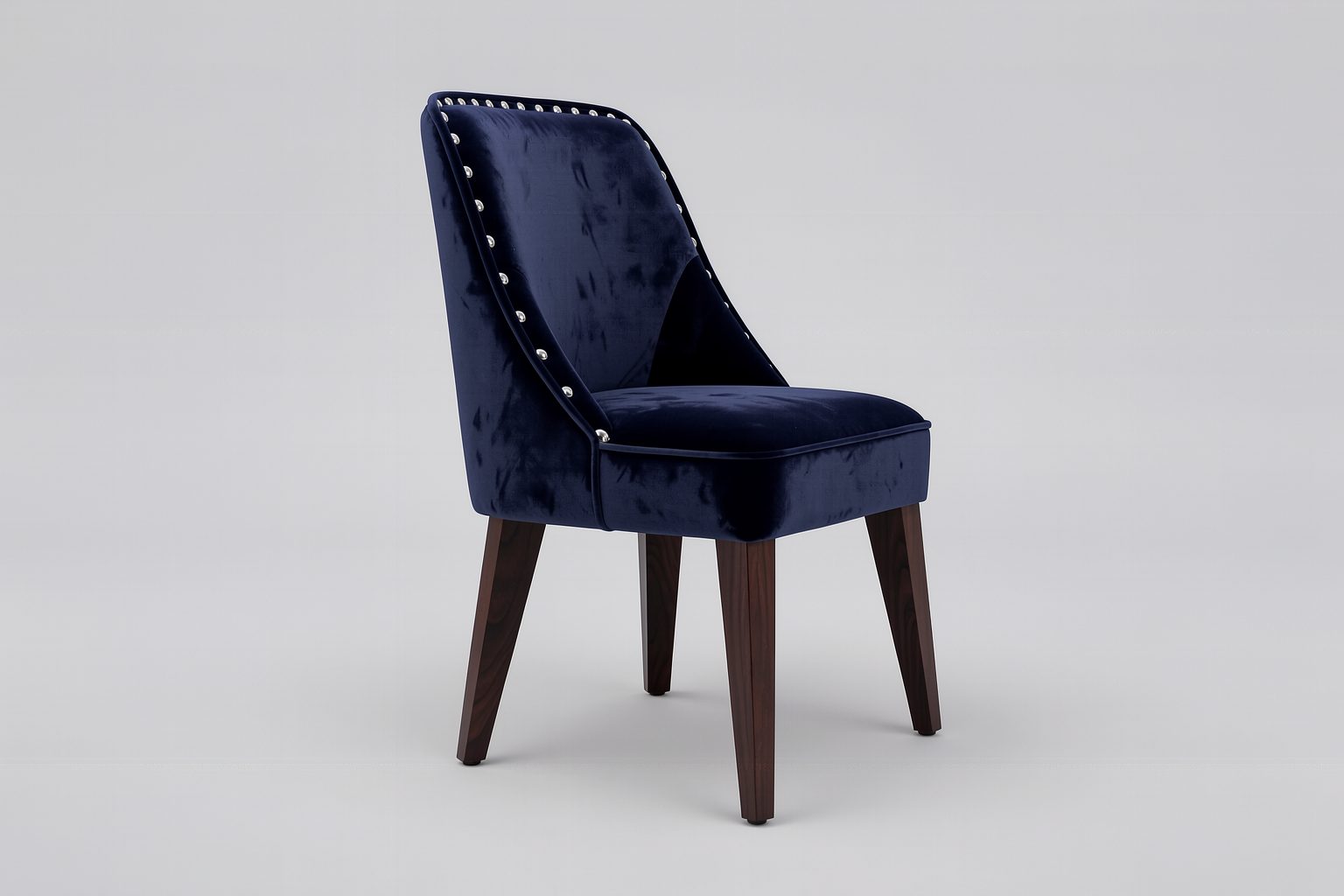
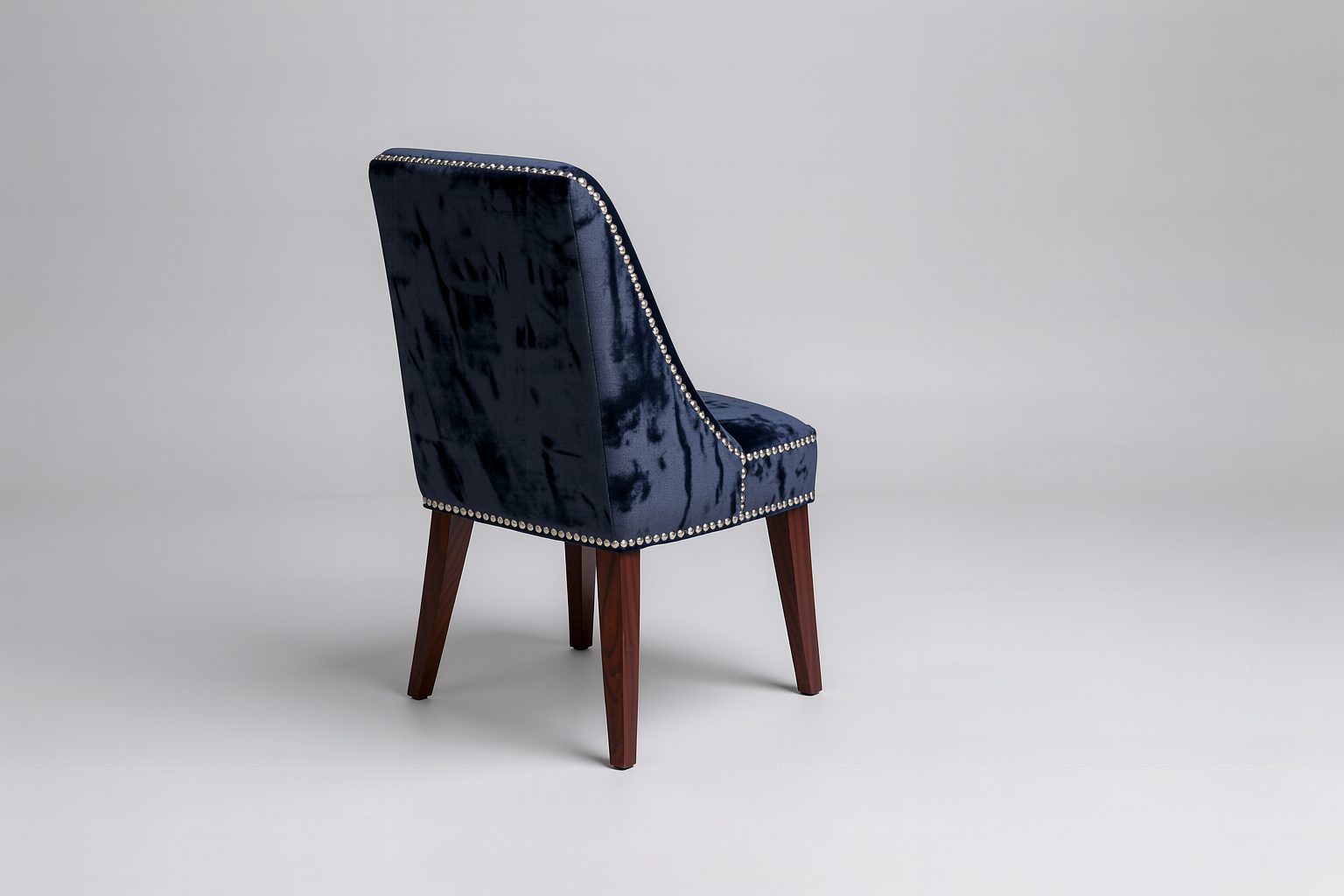
Render the next view and the AI keeps the materials, colours and light of the previous image, so the set you send to clients always matches.


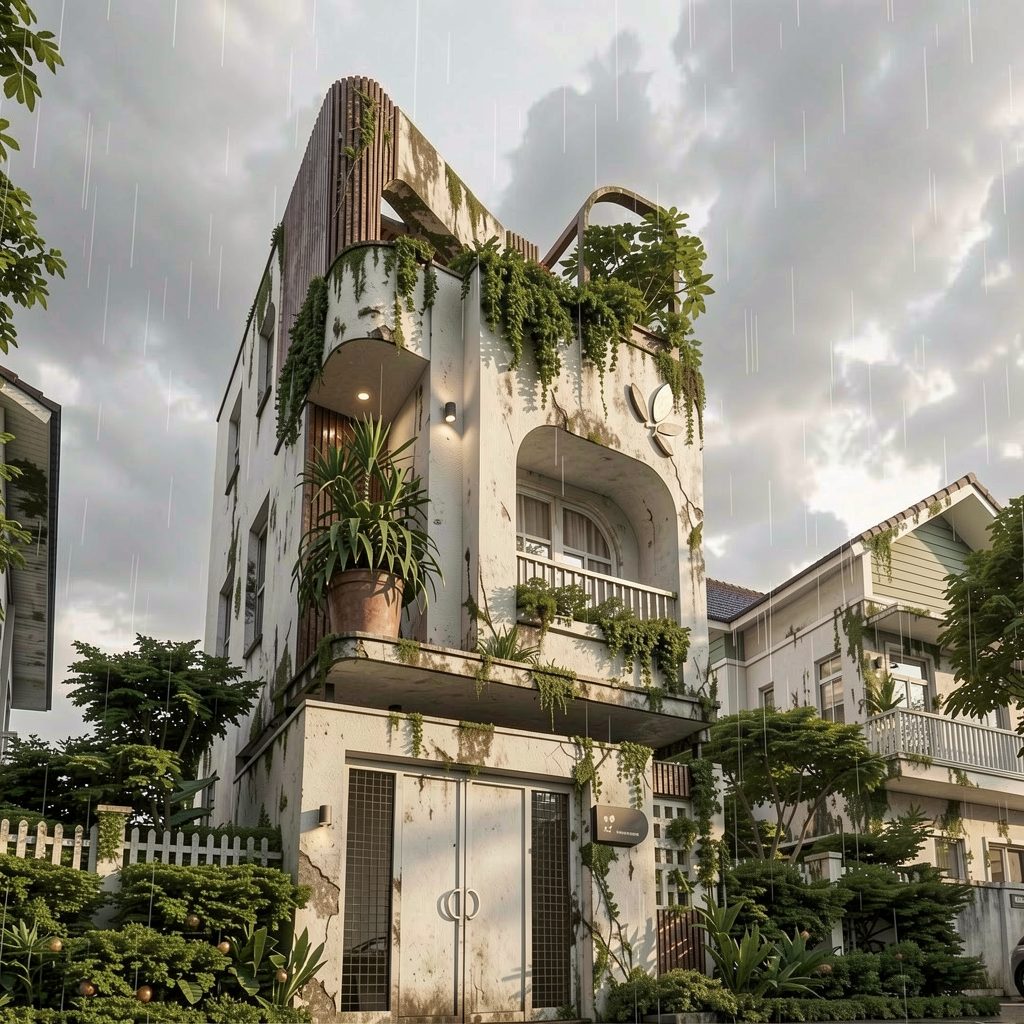
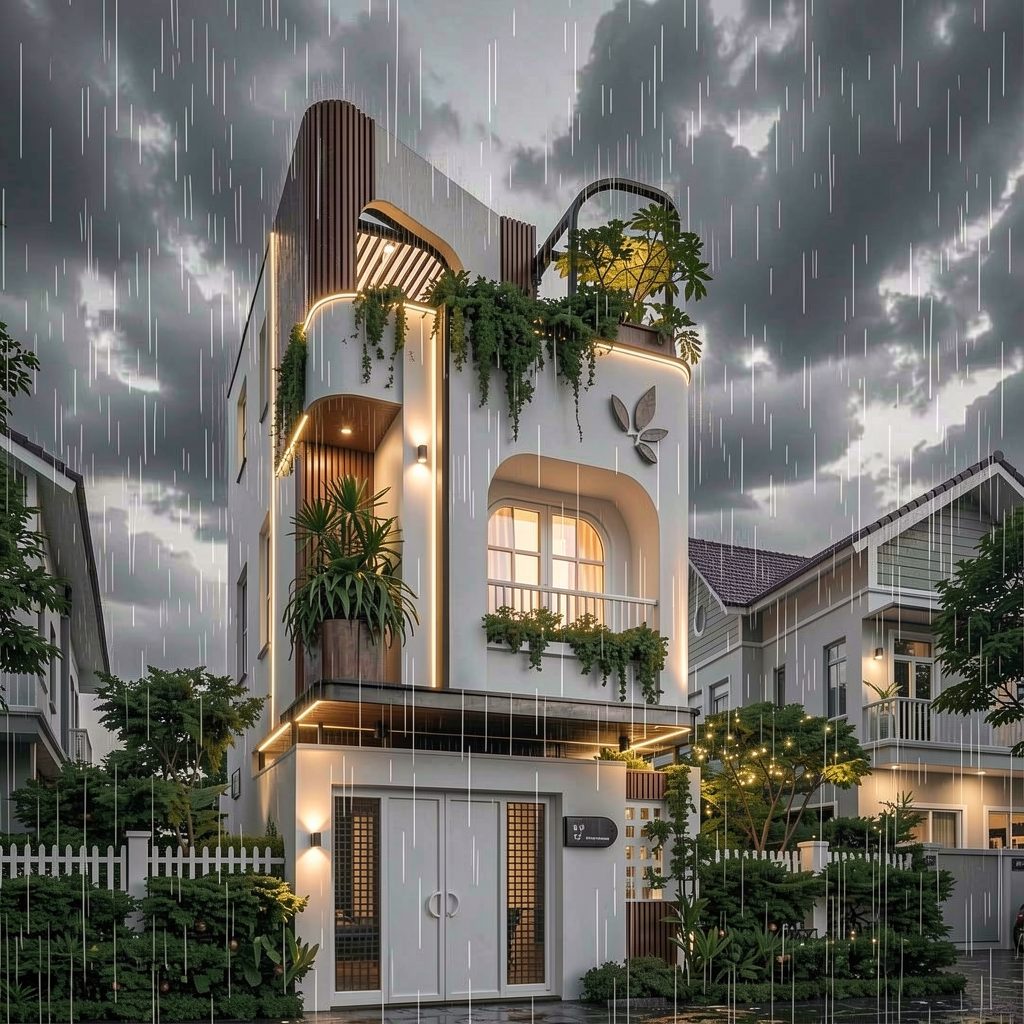
The same building on a sunny day, on a rainy night with the lights on, at sunset after the rain. One sentence; the massing and details stay put.


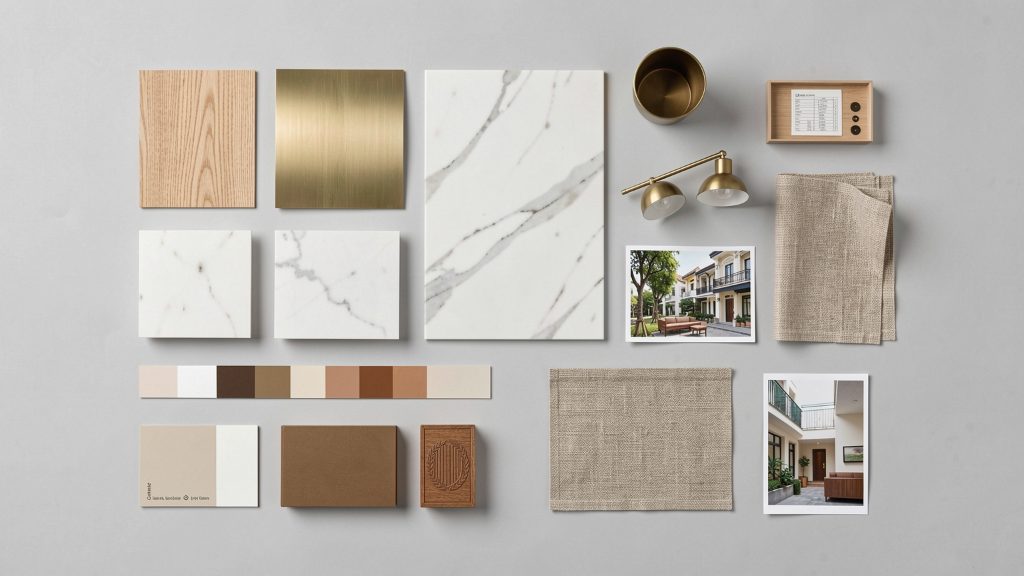
Drop in a material board or reference images. FASONE reads the style, colours and materials and builds a first design for you.


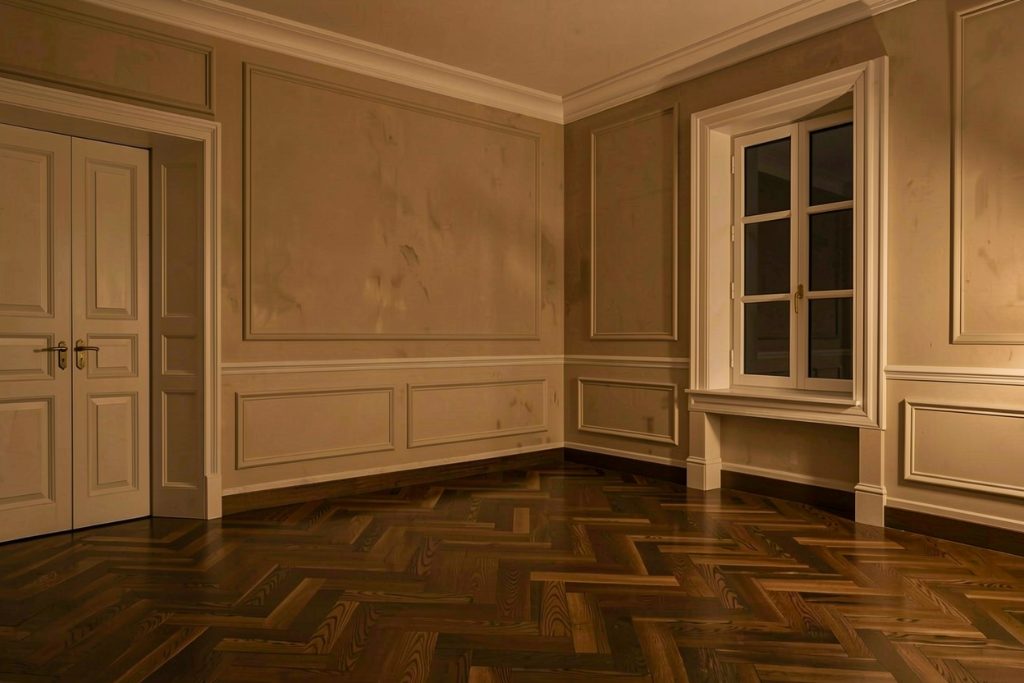
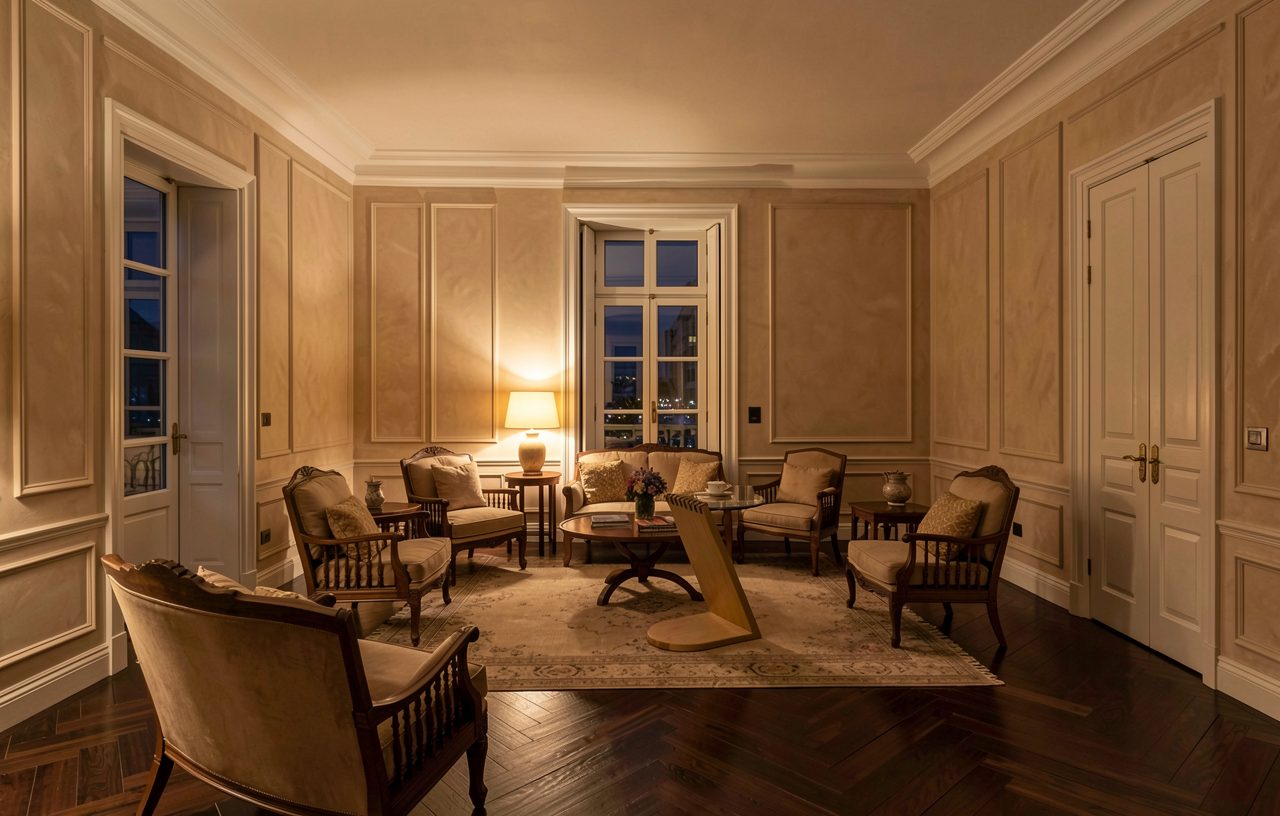
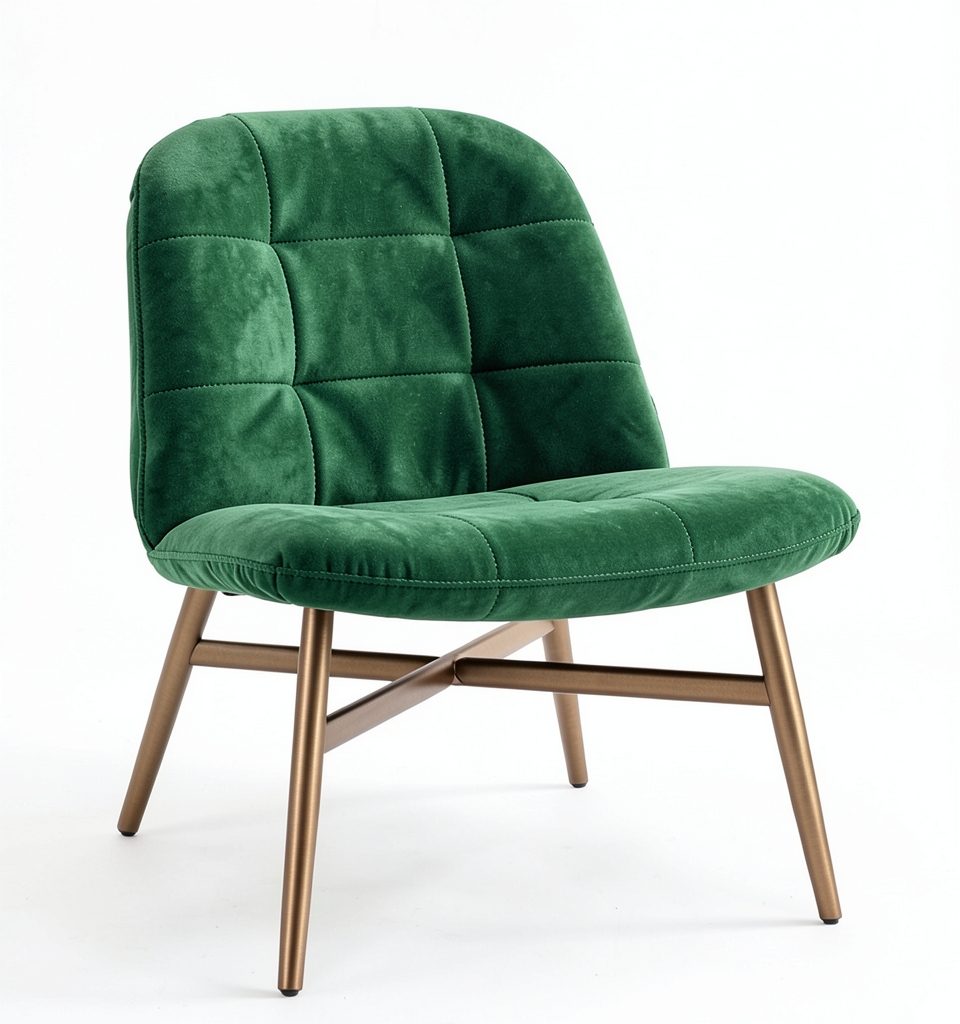
A few images made with FASONE from a description and references.


FASONE recognises the material (velvet, bouclé, wood, leather, metal, stone...) and makes a seamless map set with fitting roughness and relief, plus a .vrmat file for V-Ray. Preview it on a 3D sphere before you download.
Use it in the browser alongside any software, or install a plug-in to work inside your 3D app: capture the view, apply materials, place models in your scene. Credits work everywhere.
No powerful computer, no complicated setup, no AI know-how needed.
Sign up with Google, Microsoft, Facebook or email and get trial credits.
Open fasone.app/app in your browser, or install the plug-in for your 3D software (Rhino 8 today) and type FAS. Log in once; it is the same account.
Each run uses credits, always shown before you click. Failed runs are refunded automatically; new features update themselves.
Prices may change; the credits a run uses are always shown before you run it. Top-up credits do not expire; failed runs are refunded automatically.
One Platform. Every Design Possibility.
AI render platform for interior, architecture and product design
The web app has every AI tool (ideas, edits, renders from images, upscaling, materials, image to 3D) on any computer. Plug-ins add what needs your 3D software: capturing the view with materials, applying materials to objects, placing 3D models in your scene, wood grain and soft edges (Rhino). Both use the same account and credits.
Web app: any computer with a browser and Internet. Rhino plug-in: Windows 10/11 64-bit and Rhino 8. No powerful graphics card: the AI runs on our servers. Wood grain also needs V-Ray for Rhino.
FASONE does not use your images or models to train AI. Images go only to the AI processing partners of FASONE, just to return the result of your request. Details in the Privacy policy.
Each run uses some credits depending on the tool and quality. Buy credit packs on your account page (bank transfer or card) and see your balance on the web or in the plug-in.
If an AI provider fails, FASONE switches to a backup automatically; if all fail, your credits are refunded automatically.
The web app works alongside any software: upload images to render, download 3D models (GLB) and materials. The plug-in is available for Rhino 8 today; SketchUp, 3ds Max, AutoCAD and Blender are in development.

Create a free account and get trial credits. Nothing to install.